The hair color changer that still looks like you
Tap a shade, upload a selfie, see it on your own hair in twenty seconds. Your face stays yours.
Pick a shade, see it on your own hair
Every card below is a real try-on result, not a stock model. Tap one and it opens on your photo. Your first look is free, with no account, and your selfie is never stored.
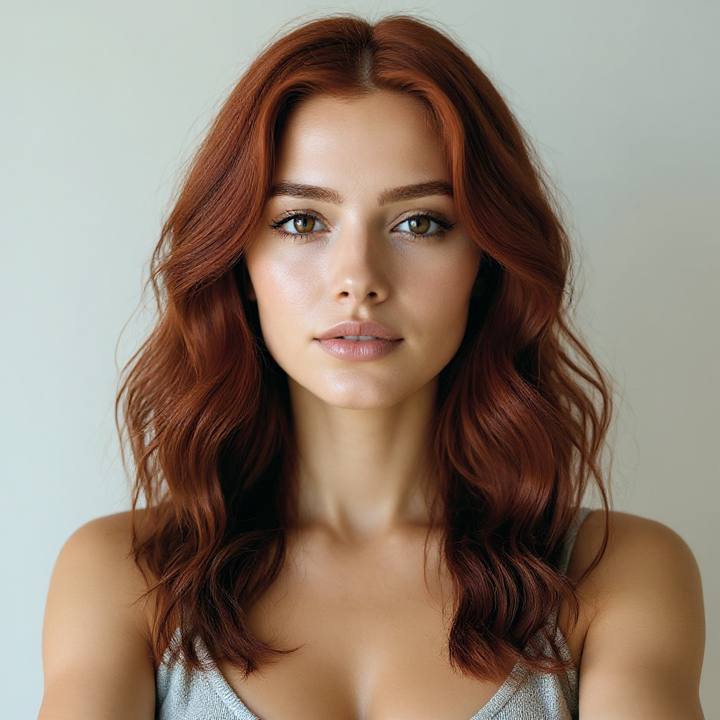
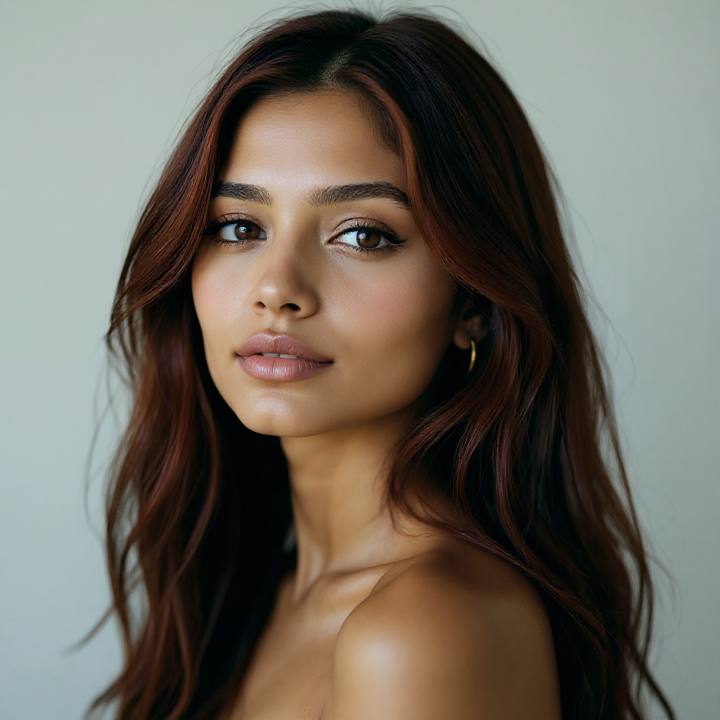
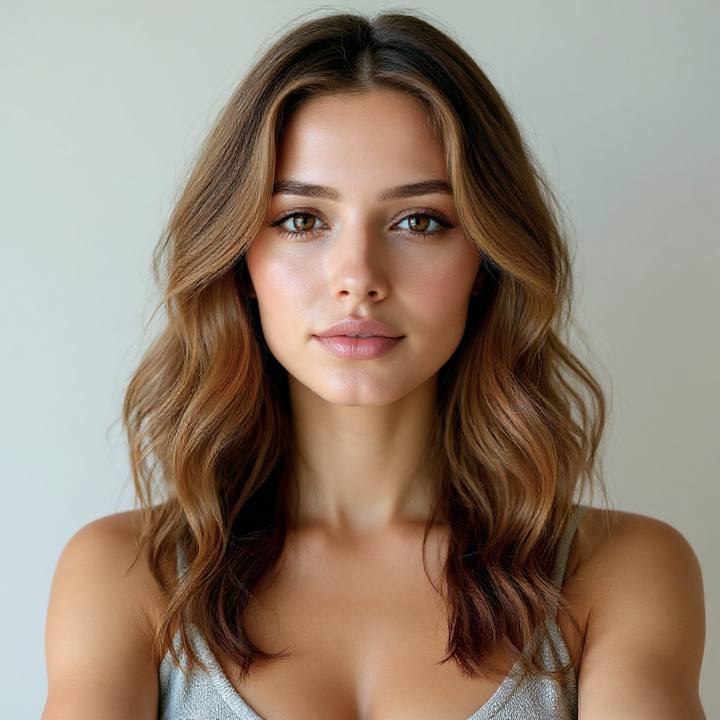
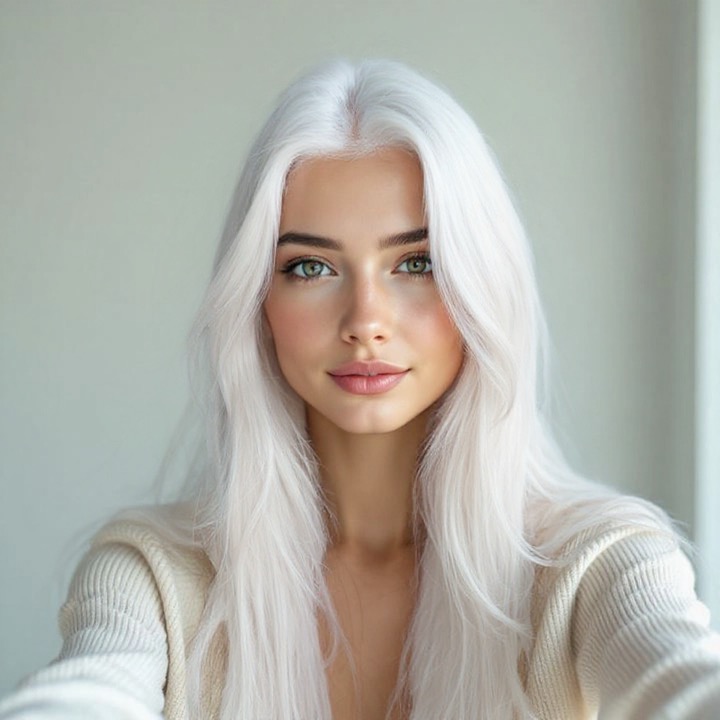
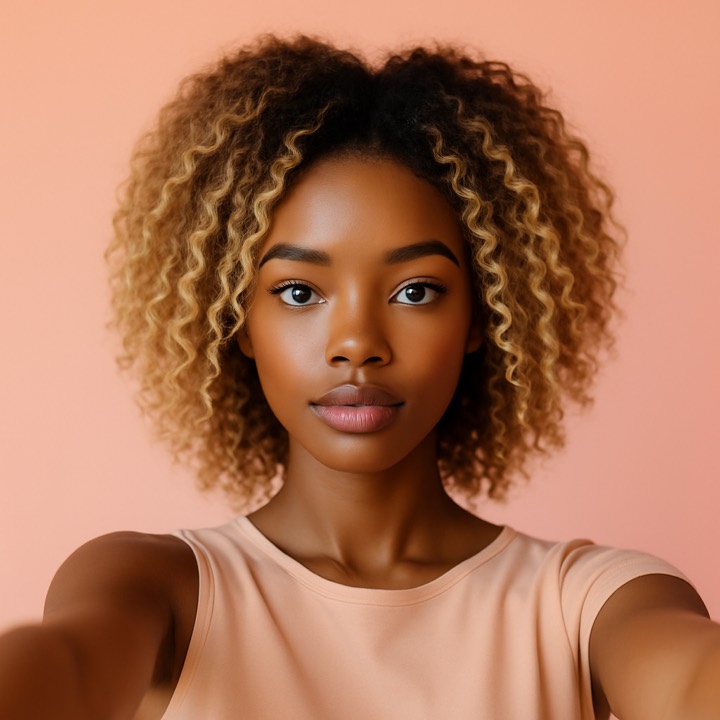
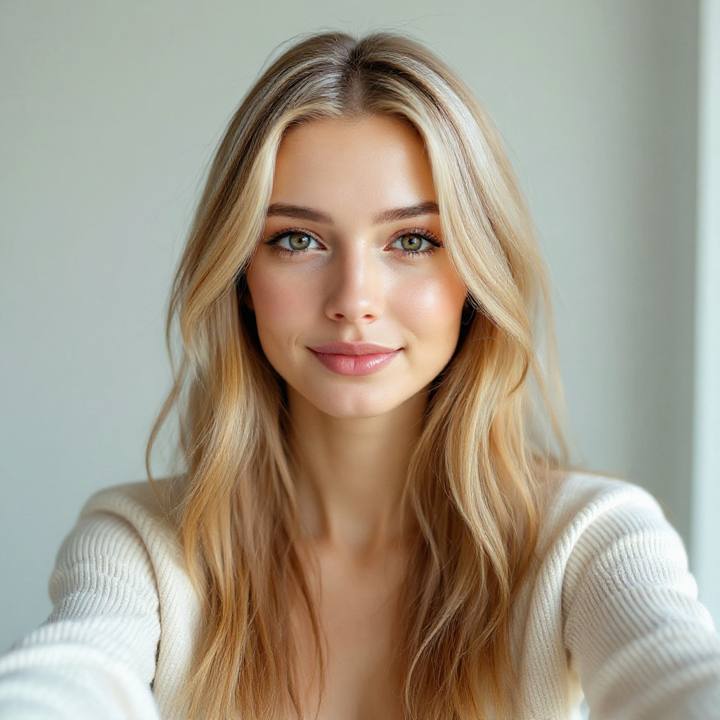
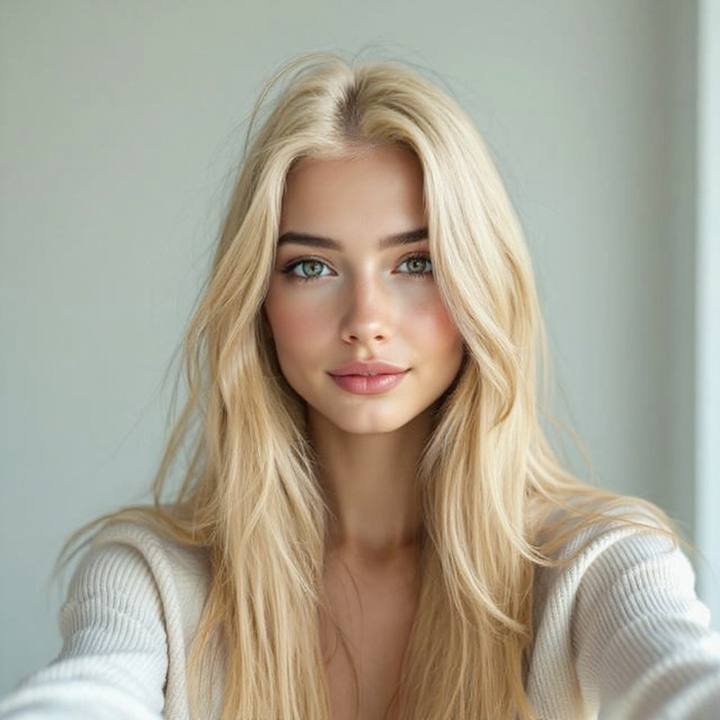
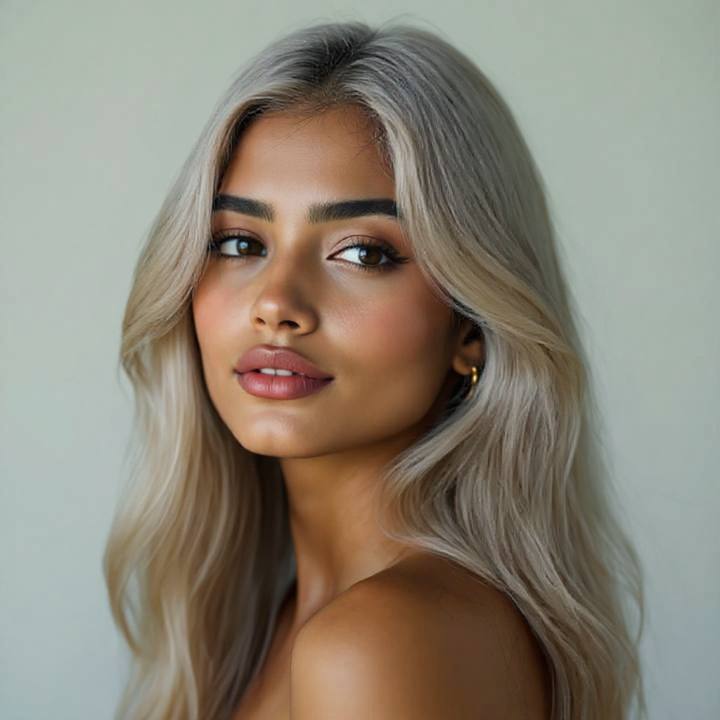
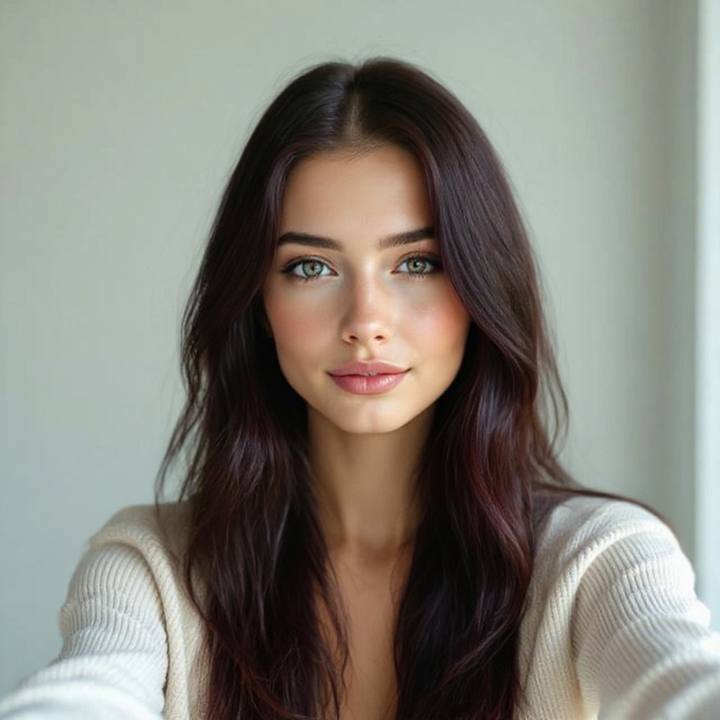
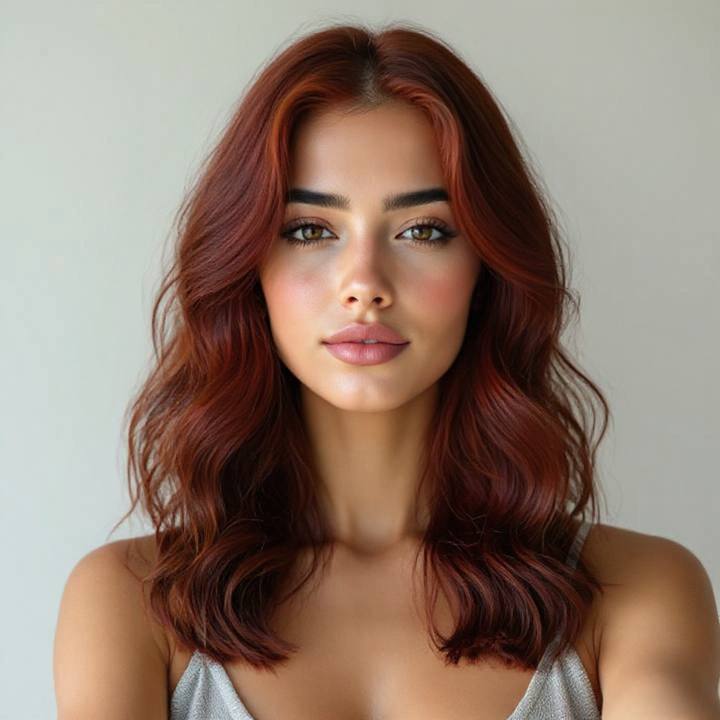
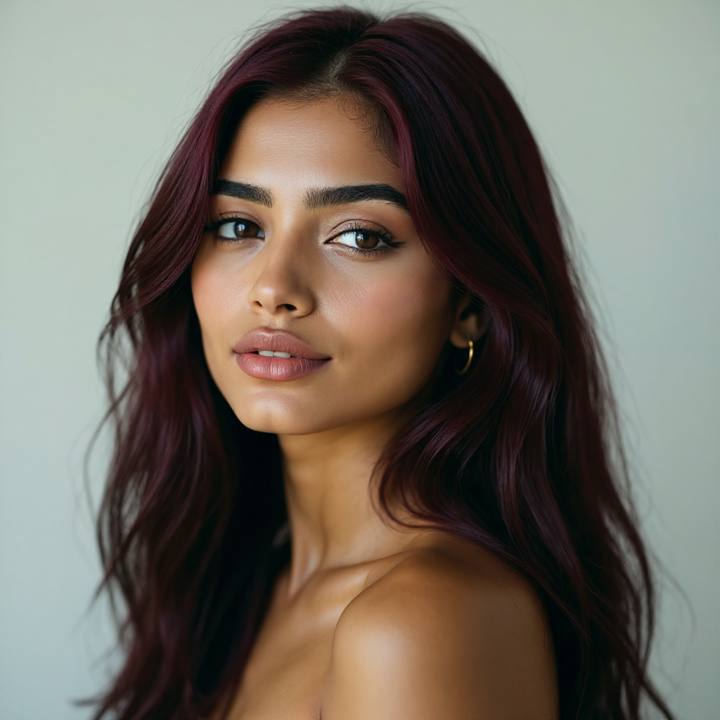
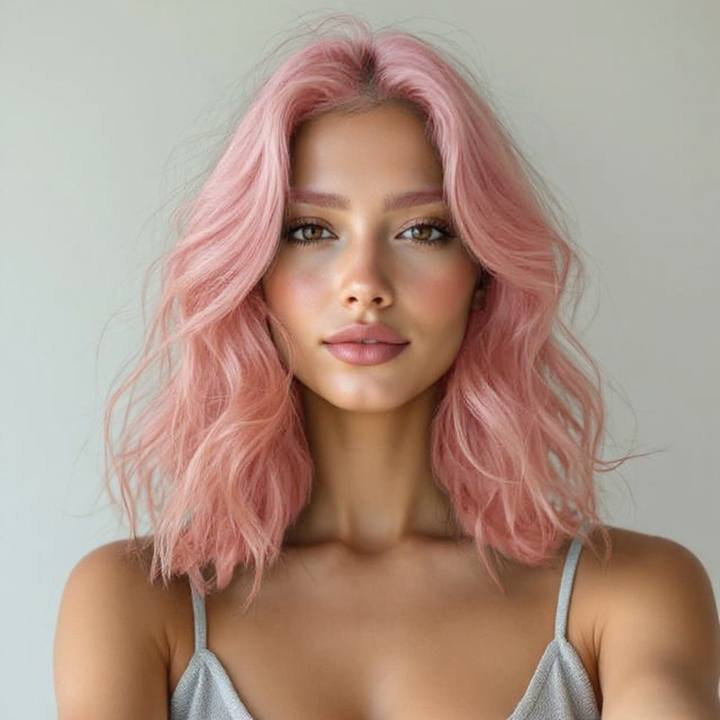
Change hair color in a picture without changing the face in it
Most "hair color filters" tint everything: skin goes orange with the copper, foreheads go blonde too. This one is an AI edit, not an overlay: it finds your hair, repaints only that, and leaves the person alone.
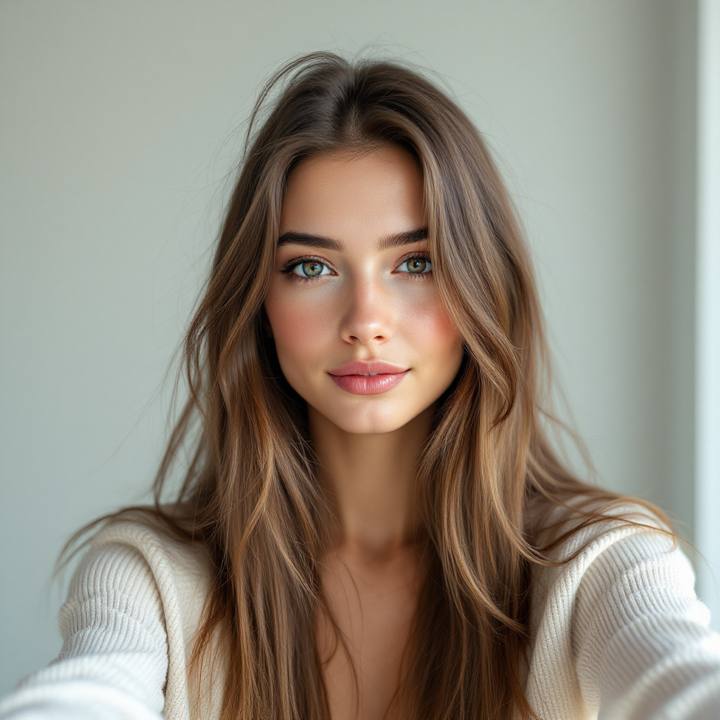
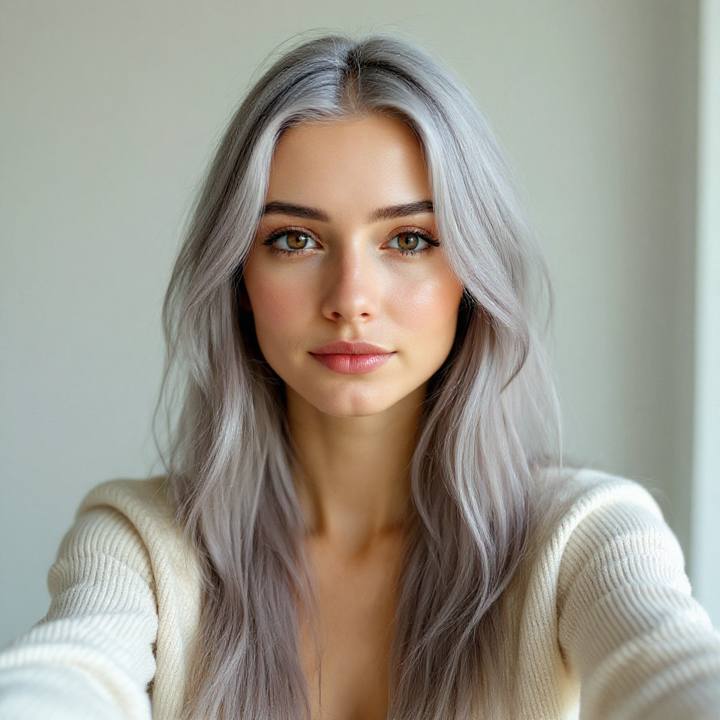
Same face, new colour. Features, skin tone and lighting untouched. That is the whole test.
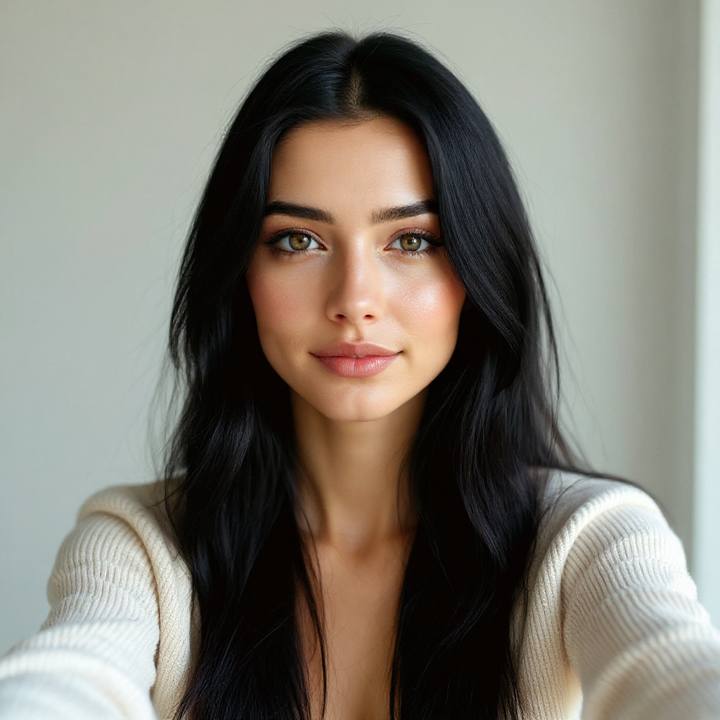
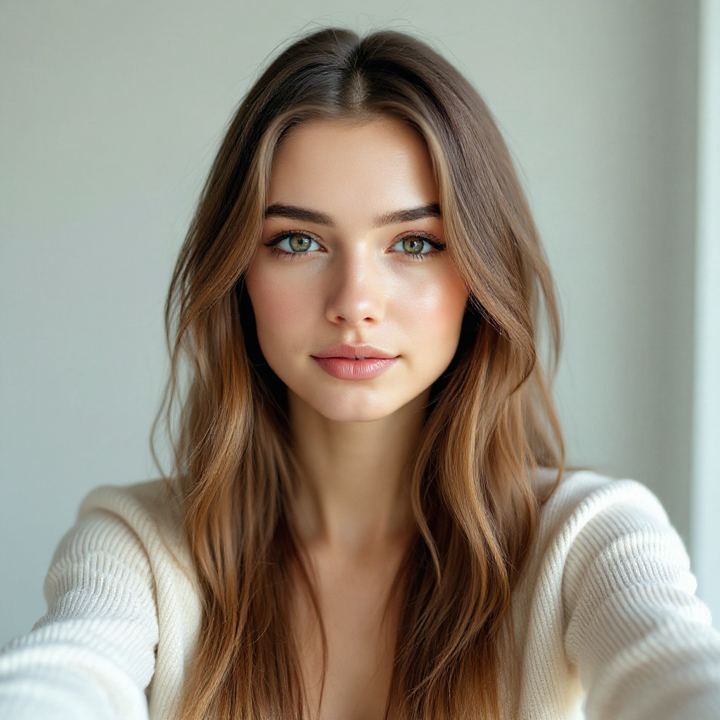
Opposite ends of the menu. Deepest black to lifted blonde, both painted where a colourist would put them.
How it works: upload a clear, front-facing selfie, tap a shade, and your preview lands in about 20 seconds. Every colour you try stacks onto one comparison board, so you can see yourself as a redhead and a blonde side by side and let your eyes vote. Can't decide? Share the board and let your friends vote.
Which hair color suits your skin tone?
The colourist's shortcut is undertone, not eye colour or season. Find your row, then test its suggestions on your actual face. The table narrows it down, the preview settles it.
| You | Where to start |
|---|---|
| Warm undertone | Gold jewellery flatters you? Honey blonde, copper and caramel balayage tend to glow rather than clash. |
| Cool undertone | Silver jewellery wins? Platinum, ash blonde, jet black and silver sit naturally against cool skin. |
| Neutral undertone | The lucky row: most shades work. Pick by how far from your natural depth you dare to go. |
| Deep skin | High-contrast statements like platinum, copper and silver read spectacular. The preview keeps your real skin tone, so you see the honest pairing. |
| Dark base, going lighter | Bleach is a journey of money and appointments. Preview the destination first and make the journey worth it. |
That is theory. Your face settles it: run two shades side by side and see which row you actually live in.
Generator, simulator, filter: different names, same question
Whatever you typed into Google, you're asking one thing: "what would I look like with different hair color?"
Some tools call themselves a hair color generator, some a hair dye simulator, some a hair color filter; half the world spells the whole thing hair colour, with a u. The names matter less than the method: a filter tints the whole photo, a generator invents a new person, and a proper try-on edits your photo and keeps you in it. HairGlimpse is the third kind: the shade changes, the face doesn't.
It's also built for the decision, not just the giggle: results stack onto a comparison board, download in one tap for your colourist, and your selfie is never stored, and generated looks auto-delete after 7 days.
Hair color changer, answered
Is the hair color changer free to use?
Yes to start: your first try-on is free with no account at all, and signing in with Google adds 10 free credits (1 extra look), no card needed. After that, one-time credit packs start at Mini $2.99 with a 7-day money-back guarantee. There is no subscription, and credits never expire.
Can I test a hair color on a photo of myself?
That is exactly what this does. Upload any clear, front-facing photo and the AI repaints only the hair (copper, blonde, black, silver or a balayage blend), so you can test a hair color on your own photo before you book the salon chair. Every result lands side by side on a comparison board.
Can it make me blonde, realistically?
Yes, and blonde is the shade people doubt most. The preview keeps your brows, hairline and skin tone honest, so platinum or honey blonde reads the way it actually would after the salon, not like a wig dropped on a stranger. If blonde washes you out, better to learn that here than after six hours of foils.
Does it work on dark hair?
Fully. Dark bases are where color decisions cost the most, because going lighter means bleach, money and commitment, so the preview earns its keep there. Try copper, a caramel balayage or silver on dark hair and judge the destination before you pay for the journey.
Can I try highlights, balayage or a money piece, not just all-over color?
Yes. Dimensional color is on the wall too: balayage, a face-framing money piece and blended shades, painted where a colourist would actually place them. All-over swaps like platinum blonde, copper red and silver sit right beside them, so you can compare a subtle change against a full one.
Is this a hair color generator, a filter, or a simulator?
People search for all kinds of names: hair color generator, hair dye simulator, hair colour AI (with the British u), hair color filter. This is the honest version of whichever you meant, in either spelling: a photorealistic AI edit of your own selfie, not a tinted overlay that recolours your forehead along with your hair. Your photo is never stored, and generated looks auto-delete after 7 days.
Dye it here first
A salon colour runs $150-300 and lives on your head for months. The preview is free, takes twenty seconds, and the face in it is unmistakably yours. Decide with your eyes, then book the chair with total confidence.
Upload a selfie